
TFTPD64 is a popular and lightweight network utility designed for Windows users who need reliable TFTP, DHCP, DNS, SNTP, and Syslog services. Many IT professionals, network administrators, and developers use TFTPD64 for device configuration, firmware updates, network testing, and troubleshooting. Its simple interface and powerful features make it a useful tool for managing network environments.
Downloading TFTPD64 for Windows is a straightforward process when you choose a trusted source and follow the correct installation steps. This guide explains how to download TFTPD64, install it on a Windows computer, and understand the basic requirements needed to start using this network tool effectively.
What Is TFTPD64 for Windows?
TFTPD64 is a free Windows-based network server application created by Philippe Jounin. It combines multiple network services into one compact program, allowing users to manage file transfers and network communication tasks from a single interface. The software is widely used for transferring configuration files, boot files, and firmware images between computers and network devices.
Read More: Is TFTPD64 safe to use?
The application supports both 32-bit and 64-bit Windows systems, making it compatible with many modern computers. TFTPD64 is especially useful for routers, switches, embedded devices, and other network equipment that require TFTP-based communication.
How to Download TFTPD64 for Windows
To download TFTPD64 for Windows, users should visit a reliable software source that provides the official version of the application. The recommended approach is to download the latest release from the official TFTPD64 website or a trusted software repository to avoid modified or unsafe versions.
After opening the download page, select the version that matches your Windows system. Most modern computers use a 64-bit operating system, so the TFTPD64 version is usually the best choice for current Windows devices. The download file is small, allowing the installation process to complete quickly.
Once the download finishes, locate the setup file in the Windows Downloads folder and open it to begin installation. Windows may request permission before running the installer, which is a standard security feature designed to protect your system.
Installing TFTPD64 on a Windows Computer
The TFTPD64 installation process is simple and does not require advanced technical knowledge. After launching the installer, follow the on-screen instructions and select the preferred installation location. The software will copy the required files to your computer and create shortcuts for easier access.
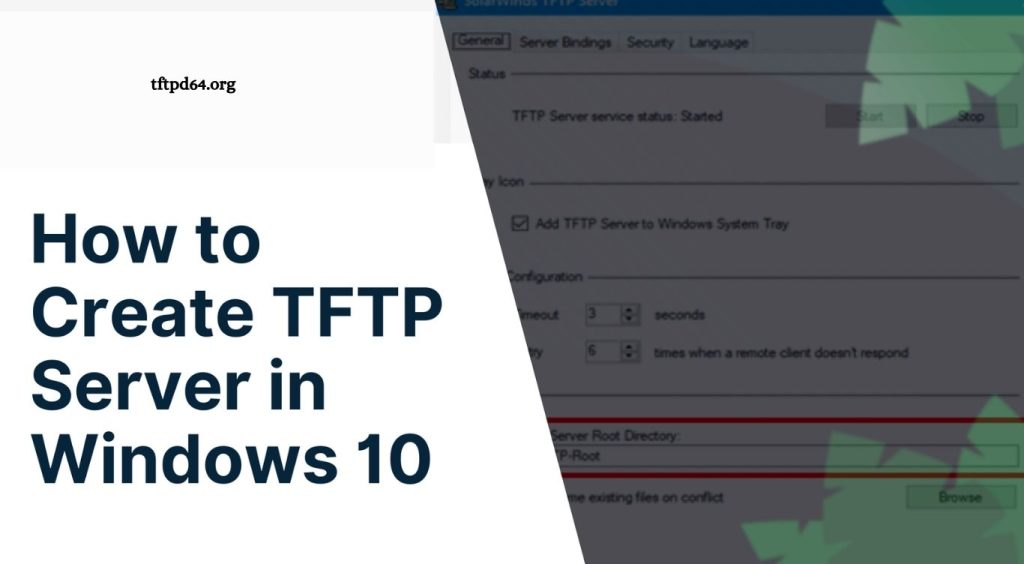
After installation, open TFTPD64 and configure the required settings based on your network needs. Users can select the correct network interface, choose a working directory for file transfers, and enable the services required for their tasks.
Before using TFTPD64 with network devices, check that Windows Firewall or security software is not blocking the application. Allowing TFTPD64 through firewall settings helps ensure smooth communication between your computer and connected devices.
System Requirements for TFTPD64
TFTPD64 works efficiently on most Windows computers because it requires minimal system resources. A stable Windows operating system, available storage space, and an active network connection are usually enough to run the application.
The software supports different Windows versions, including many commonly used desktop editions. Keeping Windows updated can improve compatibility and provide a more secure environment when using network management tools.
Why Use TFTPD64 on Windows?
TFTPD64 provides a convenient solution for users who need network services without installing multiple separate applications. Its combination of TFTP, DHCP, DNS, SNTP, and Syslog features makes it valuable for professional and educational network environments.
Network engineers often use TFTPD64 for device recovery, testing configurations, and transferring files to network hardware. Beginners can also benefit from its user-friendly design because the interface provides easy access to essential network functions.
Common Problems When Downloading or Using TFTPD64
Some users may experience issues when downloading or running TFTPD64 due to firewall restrictions, incorrect network settings, or the selection of an unsuitable software version. Downloading the application from an unverified website can also create security risks.
If TFTPD64 does not work correctly after installation, checking the network adapter settings, firewall permissions, and service configuration can help resolve common problems. Ensuring that the correct file directory and IP settings are selected is important for successful file transfers.
Conclusion
Downloading TFTPD64 for Windows is a simple process that gives users access to a powerful network management tool. Whether you need to transfer files, configure network devices, or test communication services, TFTPD64 provides a reliable solution with a lightweight design.