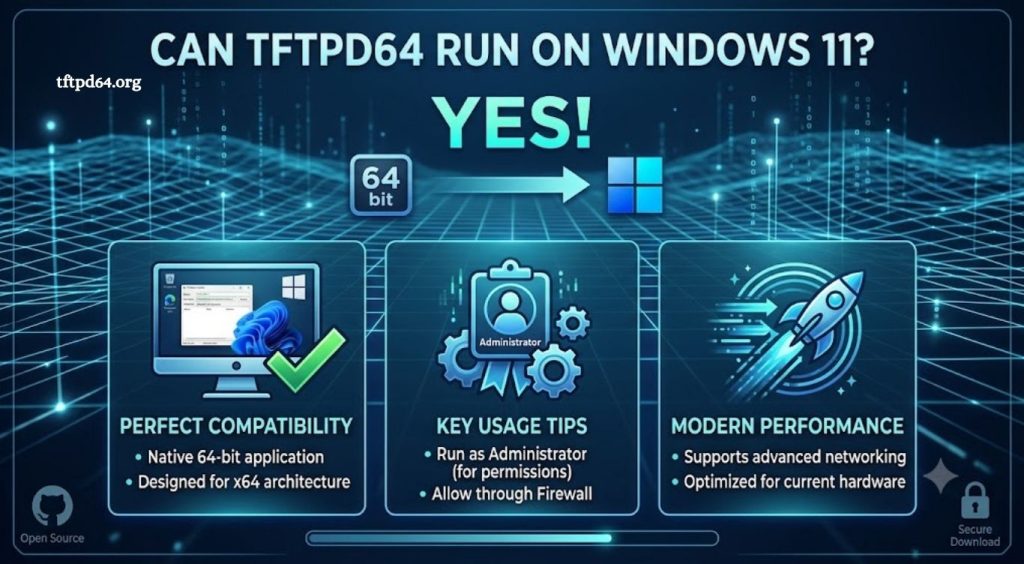
TFTPD64 remains a popular lightweight network utility used by IT professionals, system administrators, and developers for managing TFTP, DHCP, DNS, and network boot services. With many users upgrading their systems to Windows 11, a common question appears: Can TFTPD64 run on Windows 11? The answer is yes, TFTPD64 can run on Windows 11, allowing users to continue managing network devices and transferring files through a familiar and reliable tool.
Windows 11 introduces updated security features and system requirements, but TFTPD64 continues to work effectively when installed and configured correctly. Users who depend on TFTP services for firmware updates, router configuration, device recovery, or network testing can use TFTPD64 on Windows 11 without major compatibility concerns.
TFTPD64 Compatibility With Windows 11
TFTPD64 is designed for Windows environments, and its lightweight structure allows it to operate smoothly on modern versions of the operating system, including Windows 11. The application does not require extensive system resources, making it suitable for both personal computers and professional workstations.
Read More: What is the difference between TFTPD32 and TFTPD64?
Most features available in older Windows versions remain functional on Windows 11. Users can continue using TFTP server capabilities, DHCP services, DNS tools, and network monitoring features. The software provides a simple interface that helps manage network communication without requiring complex configuration processes.
Installing TFTPD64 on Windows 11
Installing TFTPD64 on Windows 11 follows a straightforward process. Users need to download the latest compatible version from a trusted source and complete the installation setup. After installation, Windows 11 may request permission through User Account Control because TFTPD64 requires network access to communicate with connected devices.
Once installed, users should check Windows Firewall settings to ensure TFTPD64 has permission to send and receive network traffic. Firewall restrictions can prevent successful file transfers or block communication between the computer and connected network devices.
Setting Up TFTPD64 for Network Use
After launching TFTPD64 on Windows 11, users can configure the required network options based on their needs. The application allows selection of network interfaces, TFTP folders, transfer settings, and service options. Proper configuration helps ensure stable communication with routers, switches, embedded devices, and other network equipment.
For successful operation, the computer running TFTPD64 and the connected device should be placed on the same local network. Incorrect IP settings, blocked ports, or incompatible network configurations may cause connection problems. Reviewing network settings before starting a transfer can prevent common errors.
Common TFTPD64 Issues on Windows 11
Although TFTPD64 works on Windows 11, some users may experience problems caused by system permissions, firewall rules, or network settings. Running the application with administrator privileges can resolve permission-related issues and improve reliability.
Windows 11 security updates may also affect how applications communicate through the network. If TFTPD64 cannot transfer files or detect devices, users should verify firewall permissions, confirm the correct network adapter is selected, and check that the required services are enabled.
Is TFTPD64 Still a Good Choice for Windows 11?
TFTPD64 remains a practical choice for users who need a simple and efficient network management tool on Windows 11. Its combination of TFTP, DHCP, DNS, and network utility features makes it valuable for troubleshooting and maintaining network devices.
While newer networking solutions are available, TFTPD64 continues to offer reliability, ease of use, and compatibility with a wide range of hardware. For professionals and beginners who need a quick way to manage TFTP-based operations, it remains a useful application.
Conclusion
TFTPD64 can run smoothly on Windows 11, providing users with a reliable solution for TFTP transfers, network configuration, and device management. With proper installation, firewall permissions, and network settings, the software continues to deliver effective performance for both IT professionals and everyday users.